
TV content management
Helping clinic teams manage 60+ screen players across five locations in the UAE and UK.
Display hardware, server infrastructure, networking and content operations
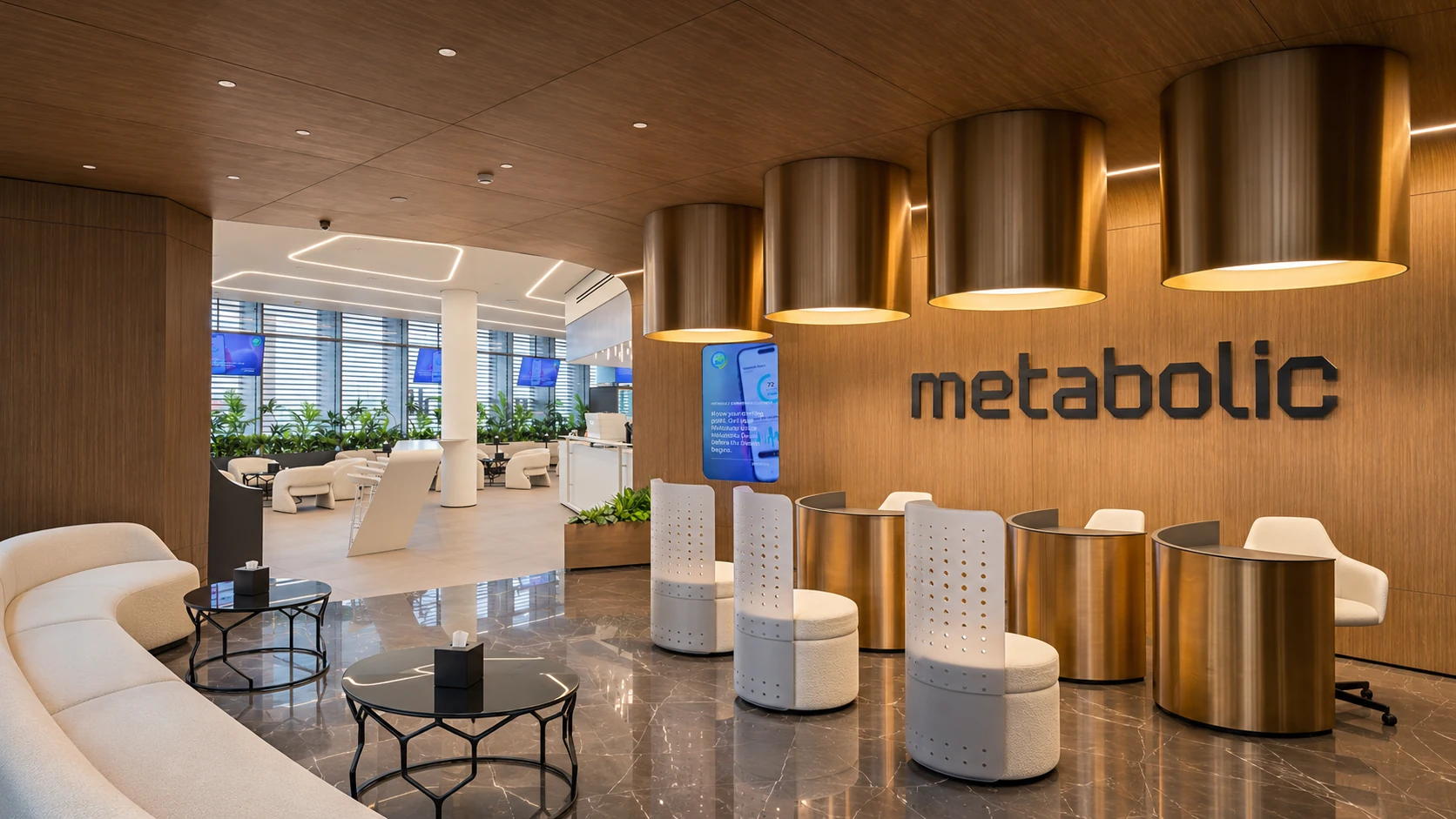
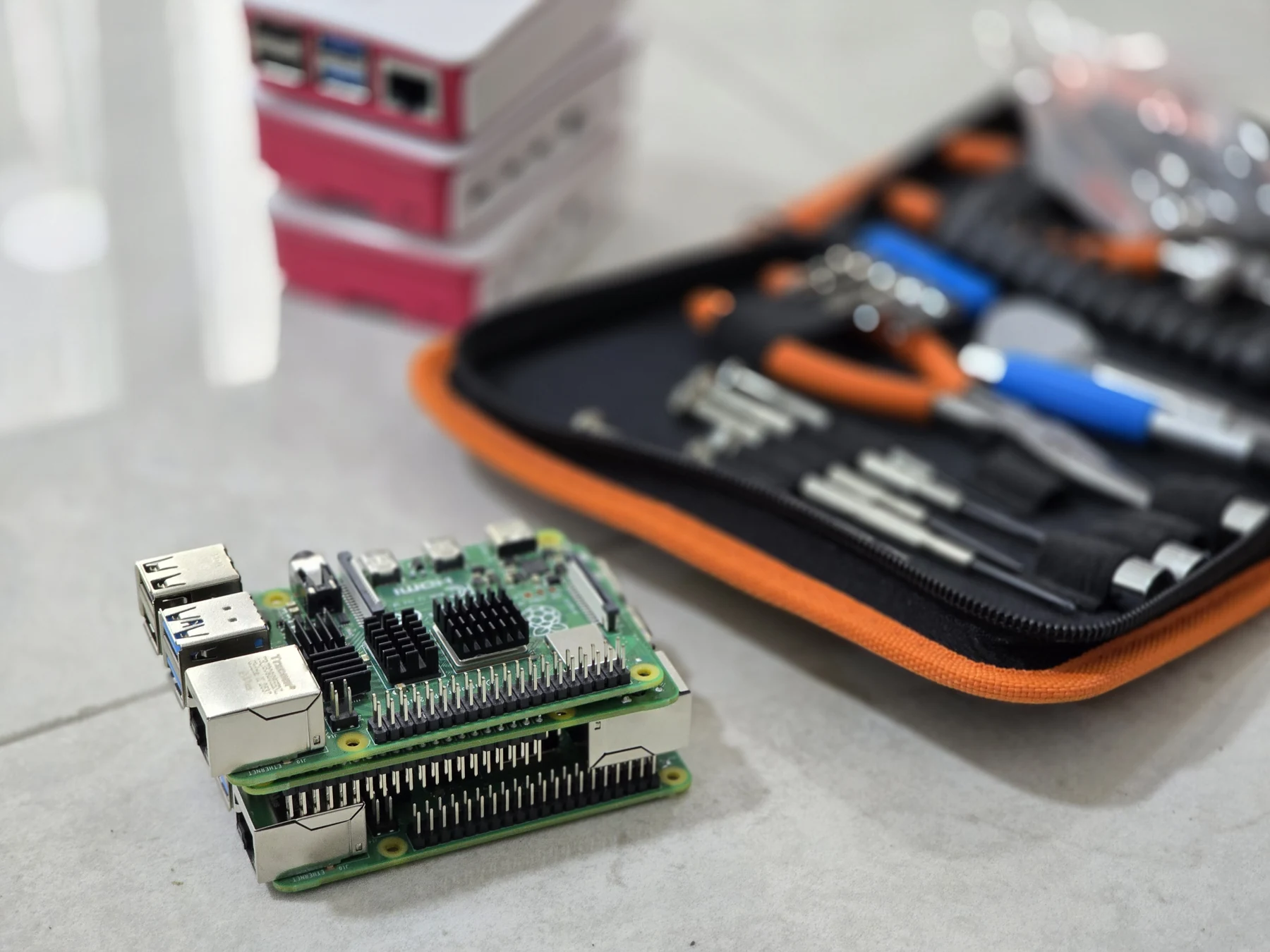
Behind the screens.
I assembled and configured the Raspberry Pi display units, flashed customised Debian-based operating-system images, and connected them to a centrally managed content system. Over 60 players run in landscape and portrait orientations across five locations in the UAE and UK.
The architecture, from server to screen.
60+ players in landscape and portrait orientations, serving five locations across the UAE and UK. The nested server blocks show the Debian CMS virtual machine inside the Unraid host.
Download architecture diagram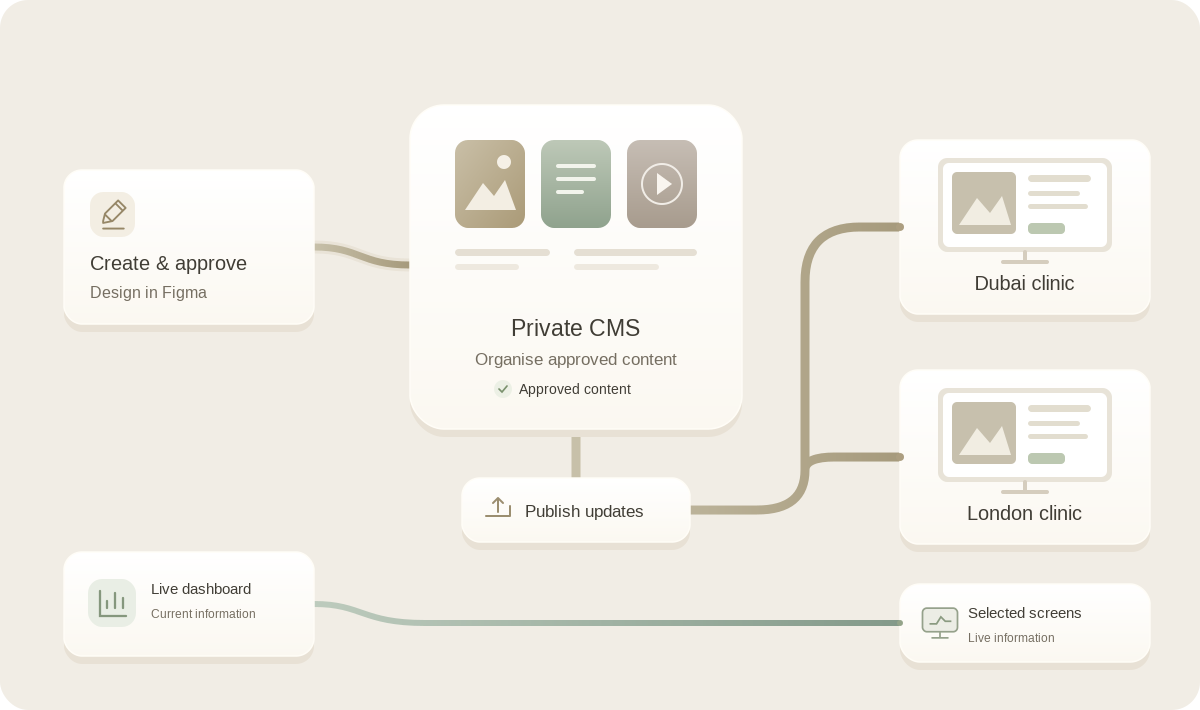
The infrastructure behind the screens.
Hardware, server infrastructure and ongoing operations support the content workflow across five locations in two countries.
- Single-board display units
- I assembled and configured more than 60 Raspberry Pi-based display players, flashed with customised Debian-based operating-system images and configured for landscape and portrait screens.
- Server build
- I built and configured the server running Unraid with Linux-based server management. A Debian virtual machine inside the host runs the Debian-based content-management server.
- Isolated network and approved devices
- The display devices operate on an isolated network. Device allowlisting and access policies restrict administrative access to approved devices.
- Encrypted remote management
- A WireGuard-based encrypted connection supports remote management across five locations in the UAE and UK.
- Location and zone control
- Content can be assigned to individual locations and specific display zones within each site, so campaigns and messages reach the intended areas.
- Weekly checks and updates
- My ongoing work includes weekly security checks and operational audits, alongside content updates and campaign changes.
The information needs to be right
Across five locations in the UAE and UK, clinic screens need useful, current information. Metabolic needed a shared way to prepare content, choose which locations and zones received it, and manage updates centrally.
A simple route from design to display
The content workflow begins with Figma for design, DaVinci Resolve for video and Blender for 3D content. Once reviewed, approved material is organised in a private CMS and published to the relevant locations and display zones. Staff have a clear route from a content change to the right screen.
Room for information that changes
Live dashboard content follows a separate path so selected screens can show current information alongside the prepared clinic messages. The display setup was adapted to support both kinds of content reliably.
A clearer day-to-day workflow
I connected the device setup, server infrastructure, access controls and publishing workflow, and documented the staff process. Weekly security checks and operational audits sit alongside content and campaign updates, keeping the system part of the day-to-day operation.
Credits.
- System design, display-unit assembly, server build, network configuration and ongoing content operations
- Saju Thomas Paul